Cookbook · Automation

Chain It. Schedule It.
Walk Away.

Recipes for ContextuAI Solo automations. Compose a workflow by @mentioning agents in a single instruction, run it on a cron schedule, and export to PDF, PPTX, Markdown, Slack, or email — no manual steps.

alternate_email @mention chaining schedule Cron schedules verified Optional approvals

Two Ways to Automate

Compose an ad-hoc workflow with @mentions, or schedule a crew to run itself. Both can deliver anywhere and gate behind approvals.

alternate_email

@mention chaining

Write one instruction that @mentions several agents. Each runs in sequence and hands its output to the next.

schedule

Cron schedules

Run a crew daily, weekly, or monthly. Reports, posts, and briefs are generated on time without you lifting a finger.

picture_as_pdf

Export anywhere

Send results to PDF, PPTX, or Markdown, or push straight into Slack and email channels.

verified

Human-in-the-loop

Add an approval gate so drafts wait for your review before they publish or send.

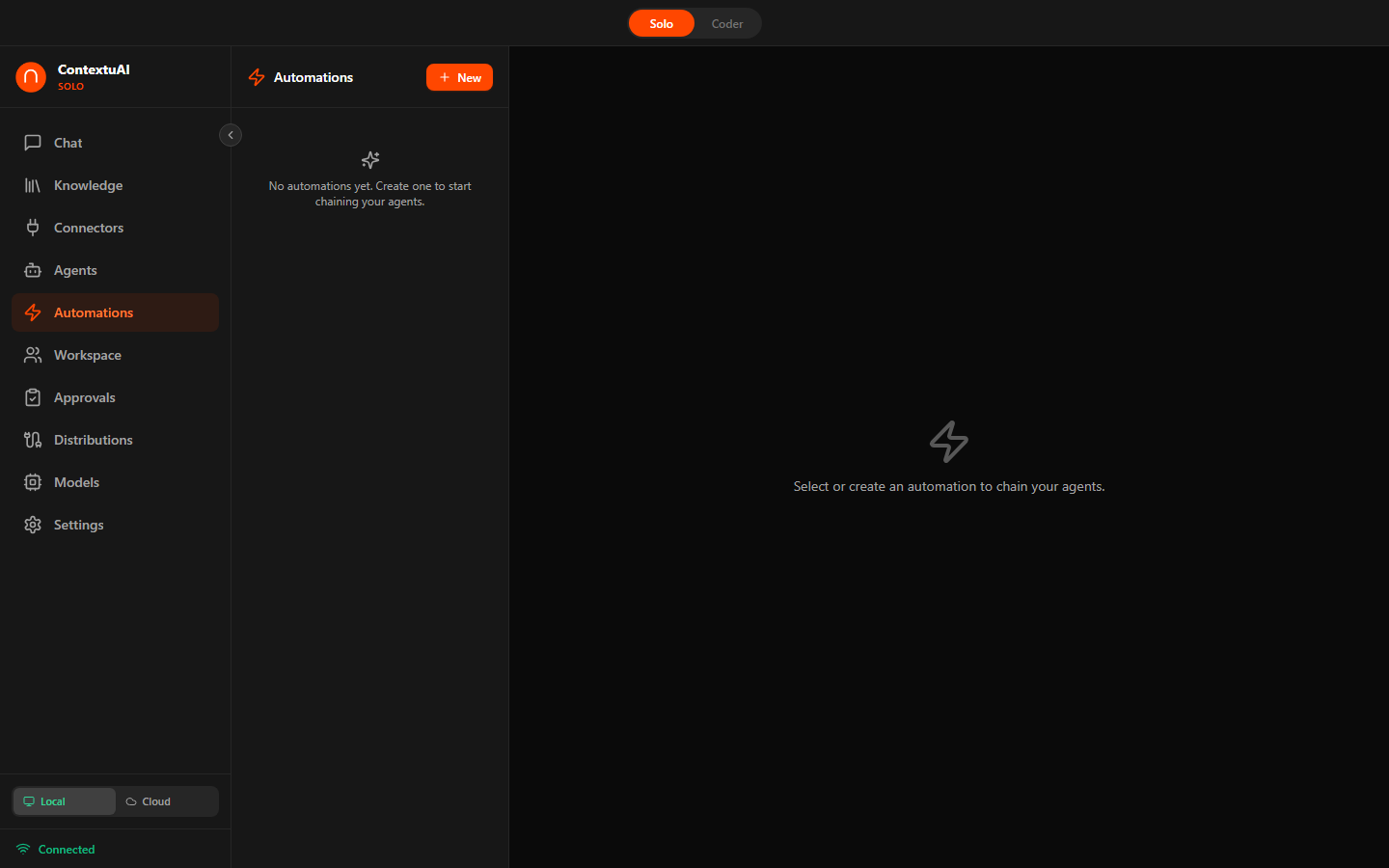
ContextuAI Solo — Automations dashboard with scheduled AI workflows

Automations run your agents and crews on a schedule — or on demand.

How to Set One Up

1

Compose the workflow

@mention the agents in the order you want them to run, or pick a crew.

2

Pick output & schedule

Choose a format (PDF, PPTX, Markdown) or channel, and a cron cadence if recurring.

3

Run & review

Fire it on demand or let the schedule do it — approve results if the gate is on.

Automation Recipes

rocket_launch

Investor Pitch Deck

Startup Founder

Generate an investor-ready deck with market analysis, projections, and narrative in one pass.

Features: @mention Automation + Pitch Deck Architect, Startup CFO, Investor Relations Manager agents + PPTX output

Setup: Automation: "@pitch-deck-architect create a 12-slide deck for our AI platform @startup-cfo add financial projections @investor-relations refine the narrative". Output to PPTX. Download and present.

AutomationPPTXStartup
event_note

Meeting Notes → Action Items

Project Manager / Team Lead

Turn a raw transcript into structured notes with owners and deadlines, delivered to Slack.

Features: @mention Automation + Business Analyst, Scrum Master agents + Slack output

Setup: Paste the transcript. Automation: "@business-analyst extract decisions and action items @scrum-master assign owners and deadlines". Output to your team's Slack channel.

AutomationSlack
analytics

Weekly Competitor Brief

Product Manager / Strategy

A competitive-intelligence report lands in Slack and email every Monday, automatically.

Features: Crew (Pipeline) + Market Researcher, Competitor Intelligence Analyst agents + Web Research persona + Slack + Email + Weekly cron

Setup: Pipeline crew: Market Researcher searches for competitor news and pricing → Competitor Intelligence Analyst synthesizes a brief. Bind Slack and Email. Set a weekly cron for Monday 9 AM.

ScheduledWeb ResearchSlack
account_balance

Monthly Financial Report

CFO / Finance Team

Produce a monthly financial summary with variance analysis and executive commentary on autopilot.

Features: PostgreSQL or MySQL persona + Crew (Pipeline) + Financial Analyst, CFO Financial Strategist agents + Email + Monthly cron

Setup: Create a read-only database persona. Pipeline crew: Financial Analyst queries revenue, expenses, margins → CFO adds variance and commentary. Bind Email. Monthly cron on the 3rd at 9 AM.

DatabaseScheduledEmail
sell

Bulk Product Descriptions

E-Commerce Manager

Generate SEO-optimized descriptions for 50+ new SKUs from a spreadsheet of specs.

Features: Knowledge Base (product specs CSV) + @mention Automation + SEO Specialist, Copywriter agents + Markdown output

Setup: Upload the spec CSV as a KB. Automation: "@seo-specialist generate keywords per product @copywriter write descriptions from the specs and keywords". Output to Markdown for CMS import.

AutomationKnowledge BaseSEO
assessment

Performance Review Prep

Engineering Manager

Synthesize self-assessments and peer feedback into structured review drafts — privately.

Features: Knowledge Base (feedback docs) + @mention Automation + People Operations Manager, L&D Specialist agents + Local model + PDF output

Setup: Upload feedback as a KB and use a local model for privacy. Automation: "@people-ops summarize highlights @l-and-d suggest development goals". Export to PDF for the review.

AutomationLocal ModelPrivacy
Automation FAQ

What is an @mention automation?

An @mention automation lets you chain agents in a single instruction — for example, @market-researcher finds prospects, then @copywriter drafts outreach. Each mentioned agent runs in turn and passes its work forward.

Can automations run on a schedule?

Yes. Bind a crew or automation to a cron schedule — daily, weekly, or monthly — so reports, posts, and briefs are produced hands-free at the times you choose.

What output formats are supported?

Automations can output to PDF, PPTX, and Markdown, or deliver straight to channels like Slack and email. Add an approval gate to review before anything is sent.

Do automations work offline?

Yes — with a local GGUF model selected, an automation runs entirely on your machine, which is ideal for sensitive reports and reviews.

Explore More Cookbooks

Put It on Autopilot

Download ContextuAI Solo for free and schedule your first hands-free workflow today.