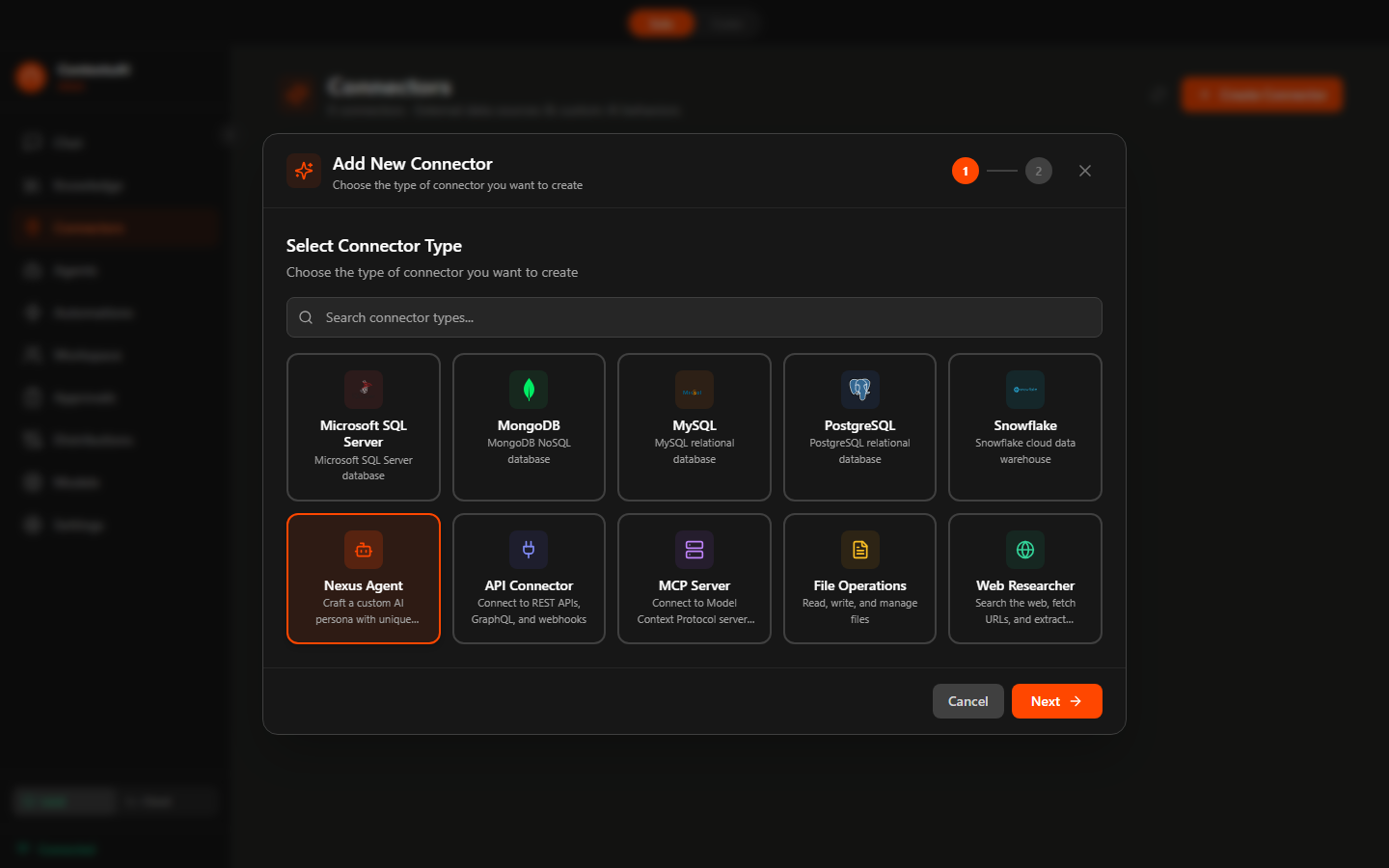
Ask business questions in plain English and get a formatted monthly report from PostgreSQL.
Features: PostgreSQL persona + Data Analyst agent + @mention Automation + PDF output
Setup: Create a PostgreSQL persona with read-only credentials. Automation: "@data-analyst using the sales database, produce a monthly revenue report by region, product line, and segment". Output to PDF.
DatabaseAutomationPDF
Find top sellers, slow movers, and seasonal patterns, then email a weekly summary.
Features: MySQL or PostgreSQL persona + Crew (Sequential) + Data Analyst, Supply Chain Analyst agents + Email + Weekly cron
Setup: Read-only database persona. Sequential crew: Data Analyst queries sales by SKU, region, time → Supply Chain Analyst flags restock needs. Bind Email. Weekly cron Monday 7 AM.
DatabaseSequentialScheduled
Pull fresh competitor news and pricing from the open web into a synthesized brief.
Features: Web Research persona + Crew (Pipeline) + Market Researcher, Competitor Intelligence Analyst agents + Slack + Email
Setup: Add the Web Search connector. Pipeline crew: Market Researcher gathers live signals → Competitor Intelligence Analyst writes the brief with recommendations. Bind Slack and Email for delivery.
Web SearchPipelineSlack
Turn database queries into a monthly financial summary with variance and commentary.
Features: PostgreSQL or MySQL persona + Crew (Pipeline) + Financial Analyst, CFO Financial Strategist agents + Email + Monthly cron
Setup: Read-only DB persona. Pipeline crew: Financial Analyst queries revenue, expenses, margins → CFO adds variance and executive commentary. Bind Email. Monthly cron on the 3rd.
DatabasePipelineEmail
Read a folder of documents and produce a consolidated summary — entirely on your machine.
Features: File Operations connector + Local GGUF model + @mention Automation + Markdown output
Setup: Add the File Operations connector pointed at your folder. Use a local model for privacy. Automation: "@data-analyst read every file and produce a consolidated summary with key figures". Output to Markdown.
File OpsLocal ModelPrivacy
Have AI call your internal REST service and turn the response into a readable report.
Features: REST API connector + Data Analyst agent + @mention Automation + Markdown or PDF output
Setup: Add the REST API connector with your endpoint and auth. Automation: "@data-analyst call the metrics endpoint and summarize this week's numbers with trends". Output to Markdown or PDF.
REST APIAutomationReport